
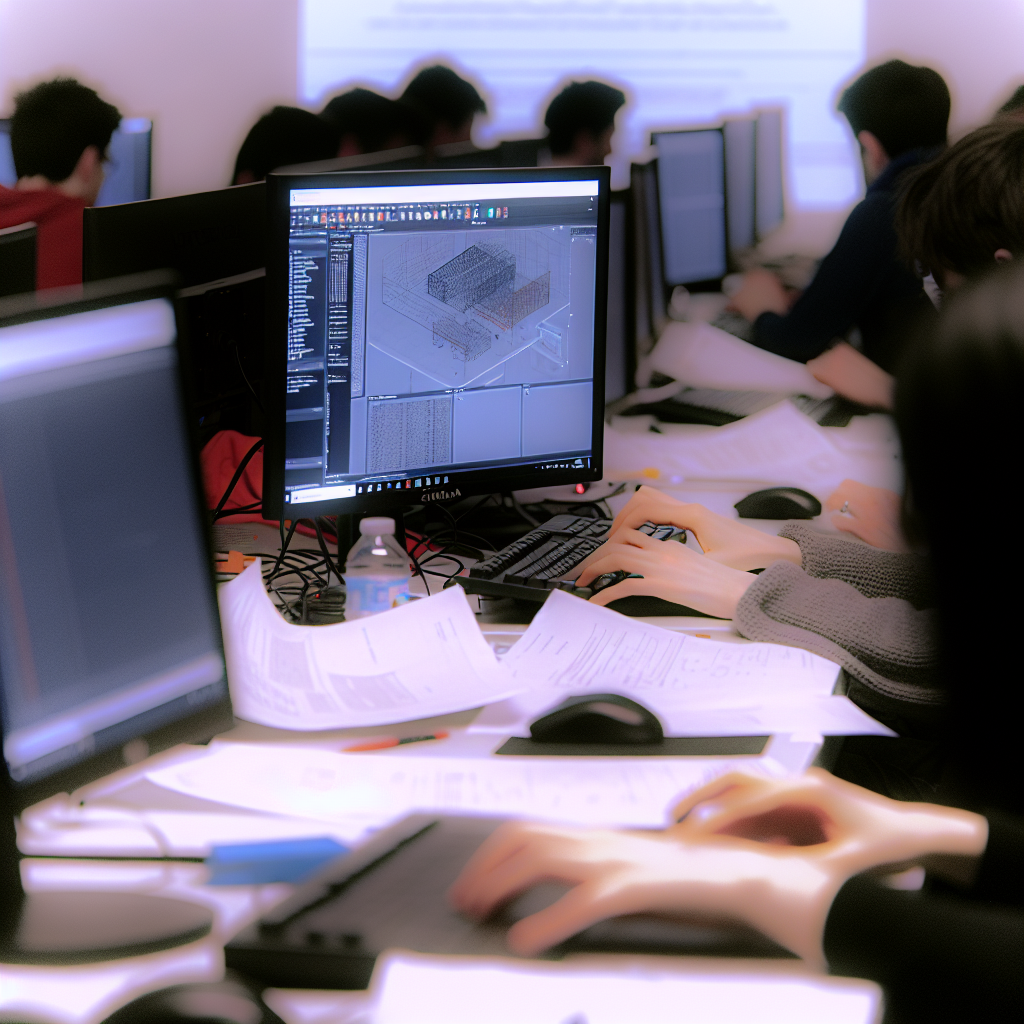
Welcome to our comprehensive introduction to Computational Design using Autodesk Dynamo. This workshop, specifically Day 1 – Part 2, provides participants with essential skills to leverage visual programming for architectural and engineering projects. Throughout this article, we will explore key concepts, workflows, and practical tips to enhance your design process.
Understanding the Foundations of Dynamo for Computational Design
Autodesk Dynamo offers a powerful visual programming environment that integrates seamlessly with Revit and other Autodesk platforms. In this session, participants delve into the core principles of node-based scripting, where each node represents a specific function, and connections between nodes facilitate data flow. This approach simplifies complex workflows and enables architects and engineers to automate repetitive tasks, generate intricate geometries, and optimize designs with precision.
Key aspects covered include:
- Basic Node Anatomy: Understanding inputs, outputs, and data types.
- Creating and Managing Scripts: Building reusable scripts for project automation.
- Data Management: Handling lists, sequences, and geometric data effectively.
Moreover, the workshop emphasizes best practices for organizing scripts, debugging, and scaling computational workflows, empowering users to develop complex design solutions efficiently.
Practical Applications and Workflow Integration
Moving beyond theory, the workshop demonstrates how Dynamo integrates into real-world design processes. Participants learn to automate tasks such as:
- Generating parametric geometries that adapt to input variables, allowing for rapid iteration of design options.
- Extracting and manipulating data from Revit models to inform analytical decisions.
- Implementing custom algorithms to optimize structural or façade components based on performance criteria.
The session also highlights interoperability techniques, such as exporting data to Excel, CSV, or other software tools for further analysis. This interconnected workflow streamlines project delivery and enhances collaboration across disciplines.
Final Thoughts
In conclusion, the Day 1 – Part 2 workshop on Computational Design using Autodesk Dynamo provides a solid foundation in visual programming for design automation and innovation. By mastering node-based scripting, data management, and workflow integration, participants can elevate their architectural projects to new levels of efficiency and creativity. Embrace these tools to unlock your full design potential and stay competitive in the rapidly evolving industry.