
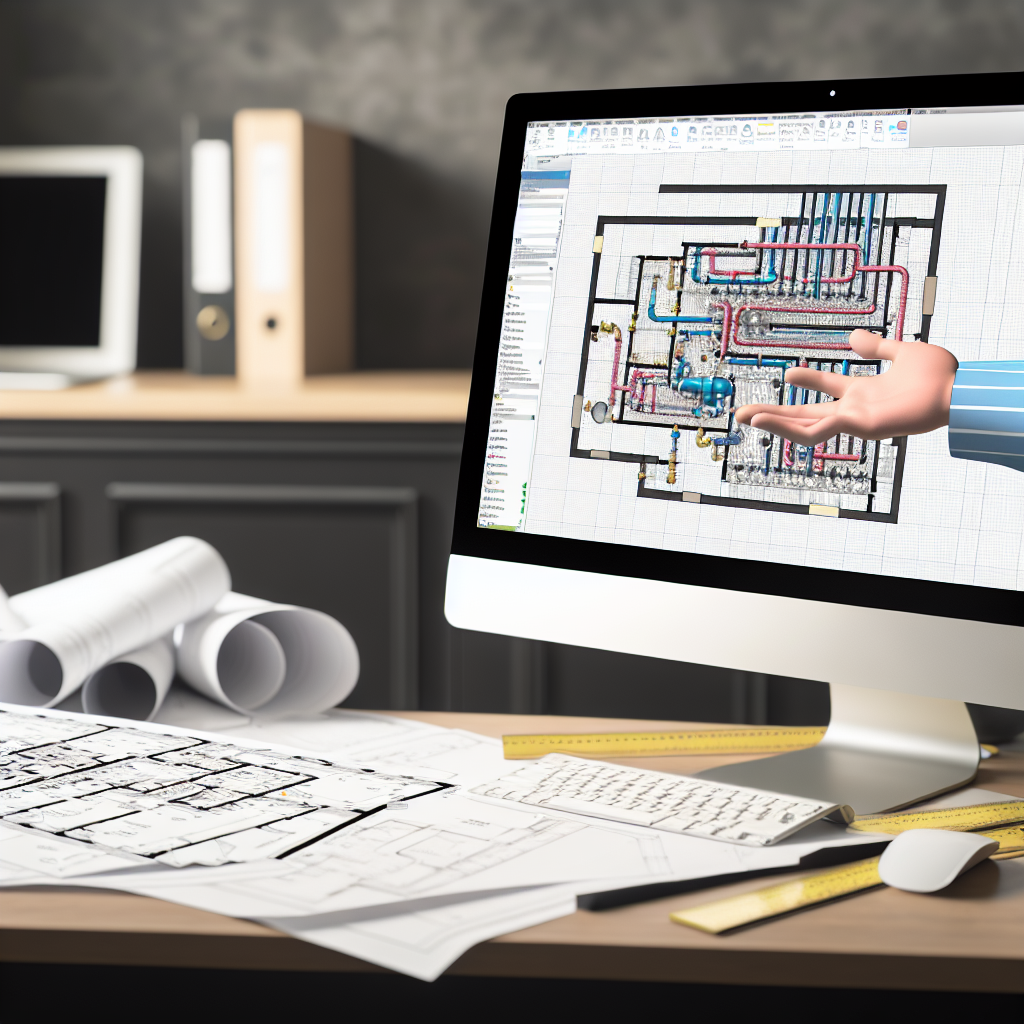
Autodesk Revit MEP is a powerful tool for designing and coordinating building plumbing systems efficiently. Mastering essential modeling techniques can drastically improve accuracy and collaboration among project teams. In this article, we will explore key tips to optimize your plumbing models within Revit MEP, ensuring smoother workflows from design to coordination.
Effective Strategies for Building Accurate Plumbing Models in Revit MEP
Creating precise and coordinated plumbing models in Autodesk Revit MEP involves understanding both the software’s capabilities and the best practices for modeling. A systematic approach ensures that the plumbing systems are not only accurately represented but also easily coordinated with other building systems, reducing clashes and rework during construction.
Adopting Standardized Naming and Tagging Conventions
One of the foundational steps toward efficient plumbing modeling is implementing consistent naming and tagging conventions. Use Revit’s parameter systems to assign standardized names to fittings, pipes, fixtures, and equipment. This consistency simplifies troubleshooting, enhances clarity during model coordination, and streamlines data extraction for construction documentation.
Tips include:
- Develop a project-specific naming protocol aligned with industry standards.
- Utilize shared parameters for critical data such as flow rates, design pressures, and material specifications.
- Apply descriptive tags to facilitate easy identification within the model and during reviews.
Utilizing Revit MEP Tools for Streamlined Modeling
Revit MEP offers specialized tools designed to enhance plumbing system creation. Features such as the system browser, pipe and fitting tools, and system flow analysis enable precise modeling and efficient workflow. Leveraging these tools effectively can significantly reduce errors and improve model clarity during design and coordination phases.
Key practices include:
- Begin by setting up system types and subcategories to organize plumbing networks logically.
- Use the ‘Pipe’ and ‘ fittings’ commands with real-world parameters for realistic flow simulations.
- Employ ‘System Inspector’ and ‘Interference Check’ tools to identify potential clashes early.
Furthermore, integrating Revit’s family creation capabilities allows for custom components tailored to specific project needs, enhancing model flexibility and detail.
Conclusion
Mastering Autodesk Revit MEP for plumbing modeling requires adopting standardized conventions, leveraging specialized tools, and maintaining systematic workflows. These practices not only improve model accuracy but also facilitate seamless coordination among disciplines, reducing costly errors during construction. By applying these tips, professionals can optimize their plumbing designs, leading to more efficient project execution and successful results.