
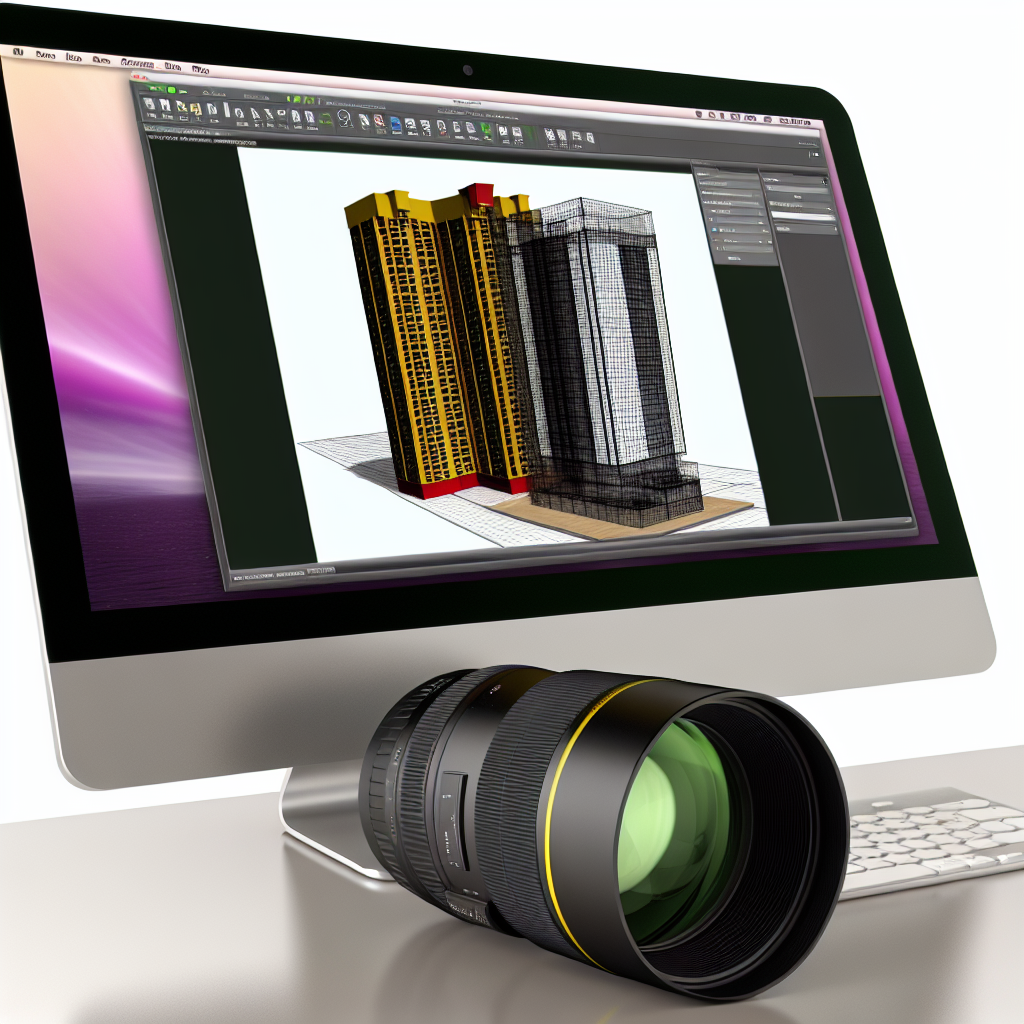
In the rapidly evolving world of architecture and design, efficient tools that streamline workflows are essential. The Novedge Webinar #98 introduces a powerful solution: the 3D PDF Converter for Revit. This session explores how this innovative plugin enhances project visualization, collaboration, and documentation by transforming Revit models into interactive 3D PDFs. Let’s delve into the features and advantages that make this tool a game-changer.
Understanding the 3D PDF Converter for Revit
The 3D PDF Converter for Revit is a specialized plugin designed to facilitate seamless sharing of Revit models in a universally accessible format. Unlike traditional file exports, this converter preserves the rich 3D information within the PDF, including geometry, colors, and element properties. This capability allows stakeholders—such as clients, contractors, and consultants—to interact with models without needing Revit software, promoting better communication and decision-making.
One of the core strengths of this plugin lies in its ability to automate the conversion process, saving valuable time during project workflows. By integrating directly into Revit, users can convert complex models into interactive PDFs with just a few clicks, maintaining design fidelity and detail. Additionally, the generated PDFs support measurements, markups, and layer control, mimicking many features of the original 3D model environment.
Benefits and Practical Applications
- Enhanced Collaboration: Share detailed 3D models easily with clients and team members, regardless of the software they have installed.
- Streamlined Documentation: Generate comprehensive, visually rich PDFs for project documentation, reducing the need for multiple file formats.
- Improved Accuracy & Communication: Interactive PDFs facilitate on-the-spot measurements, annotations, and layer visibility, minimizing misunderstandings.
- Time & Cost Efficiency: Automating the conversion process decreases manual effort and accelerates project timelines, which can lead to significant cost savings.
This tool essentially bridges the gap between complex BIM models and accessible, shareable documents, making it indispensable for modern architecture and construction workflows. Its compatibility with Revit ensures that professionals can incorporate it seamlessly into their existing software environment, enhancing productivity without disrupting established processes.
Conclusion
The Novedge Webinar #98 on the 3D PDF Converter for Revit provides valuable insights into how this innovative plugin can revolutionize project sharing and documentation. From automating complex conversions to enhancing collaboration with interactive PDFs, the tool offers a comprehensive solution for modern BIM professionals. Embracing this technology can lead to more efficient workflows, better client communication, and successful project outcomes.